

- Log in to your client account
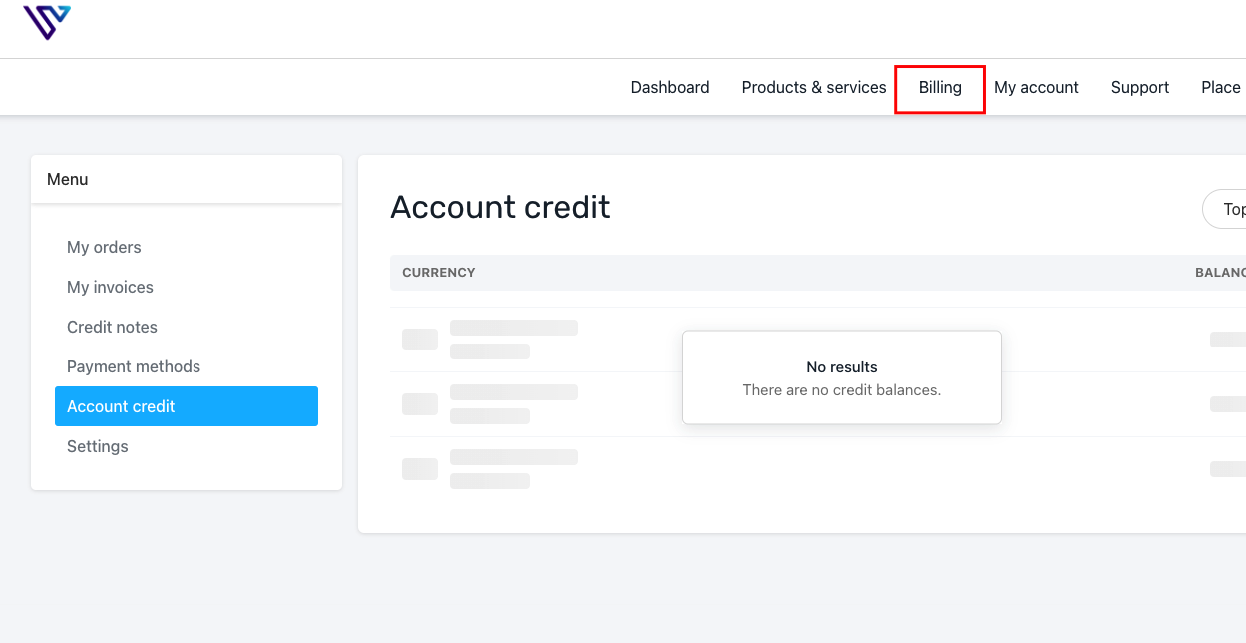
- Once logged in,go to Billing -> Account Credit
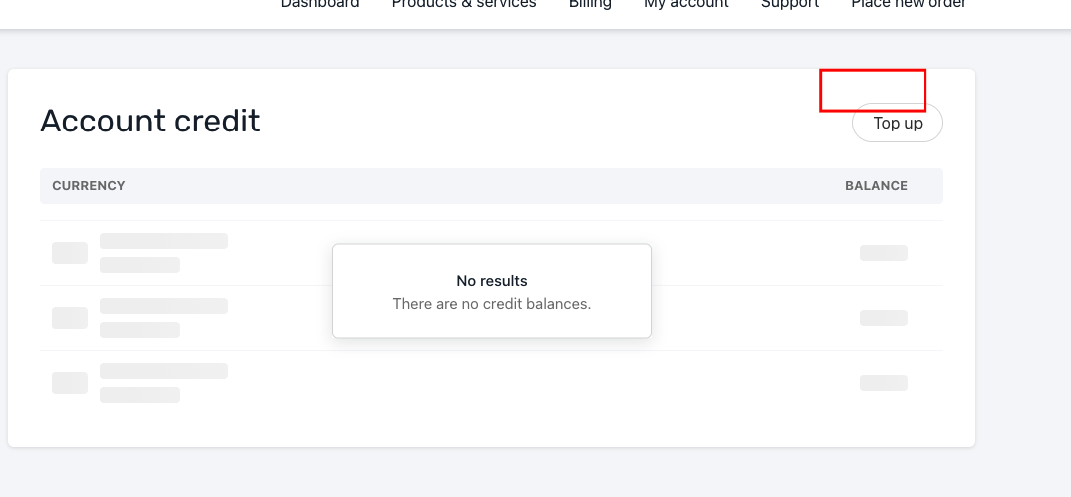
- On the Account Credit page, click Top Up in the top right corner
- Choose the payment method, currency, and amount you will like to add as credit
- Be careful when choosing the currency
- Submit Payment