

ns2.mysecurecloudhost.com
ns3.mysecurecloudhost.com
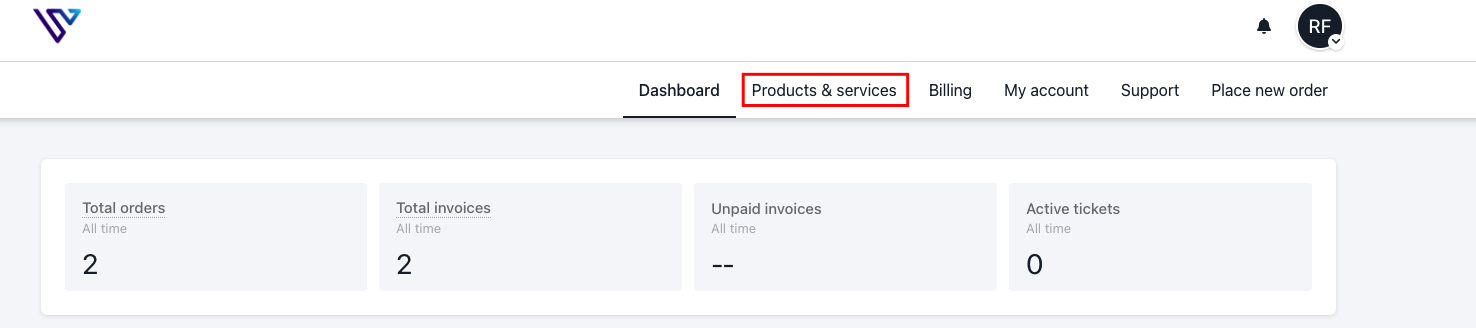
ns4.mysecurecloudhost.com Once your domain points to us, you can follow the steps below to add your records to your cPanel: Step 1: Log into your verpex client account
Step 2: Click products&services
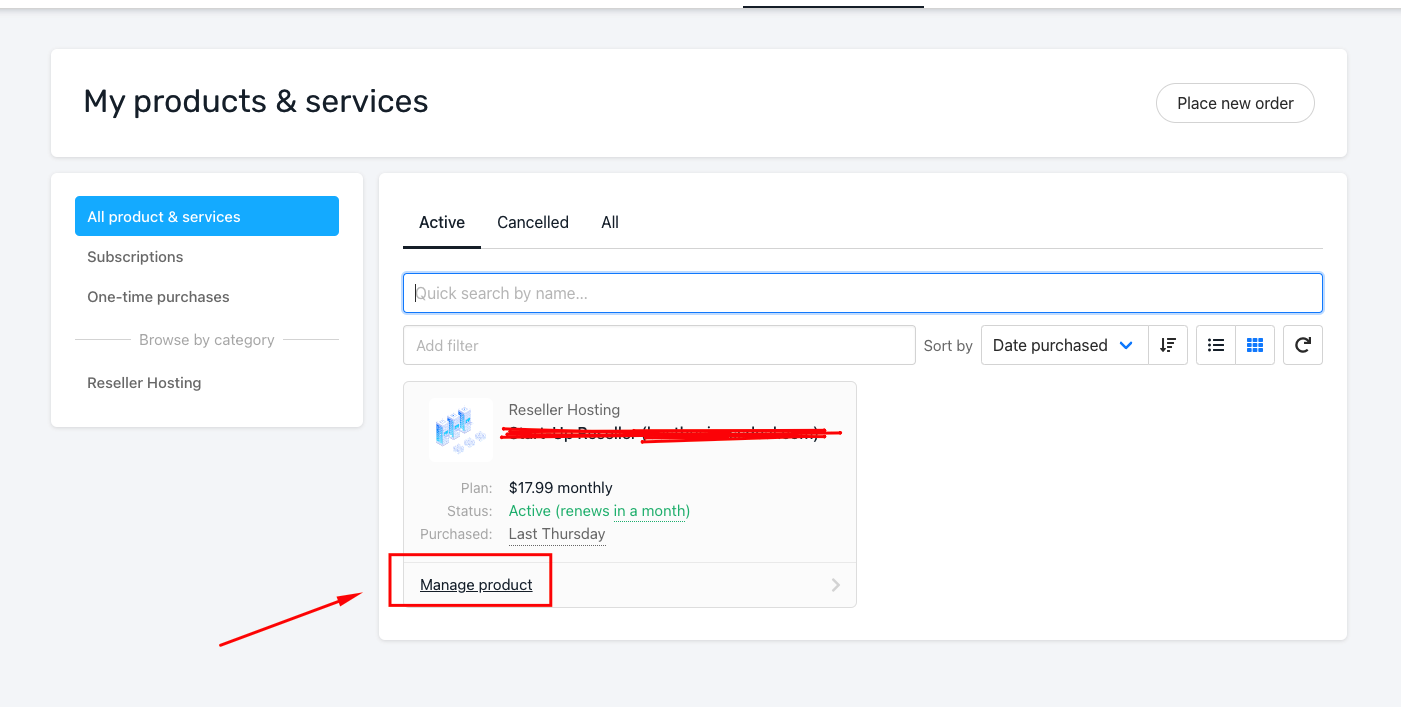
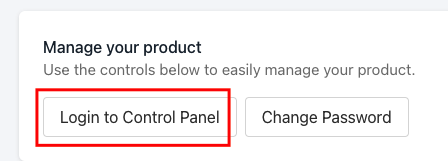
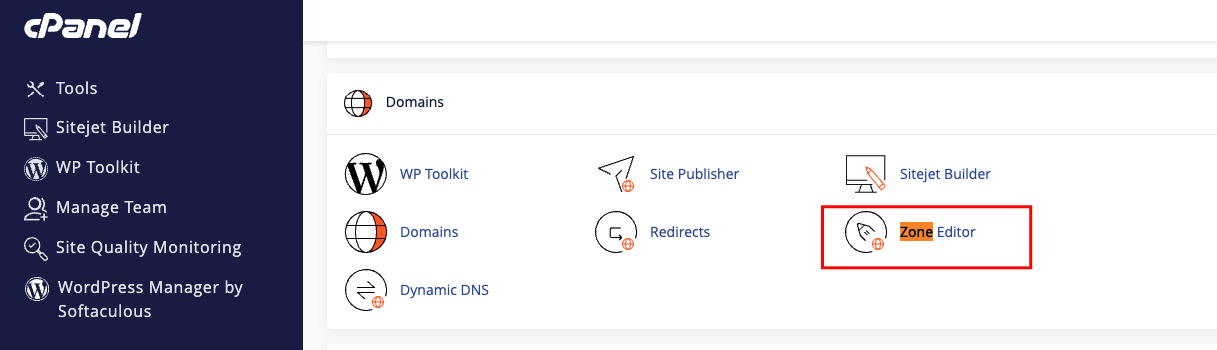
TTL: 7200
Type: It could be any of these records A, AAA, CNAME, TXT, DMARC, SRV, etc.
Record: Enter the code provided The DNS zone allows you to create, edit, and delete records for the domains, addons and subdomains in your cPanel. If you have more than one domain, click manage in front of the domain you wish to add a record for. Click the drop-down arrow to choose from any record you wish to add and save
And if you wish to edit, click the edit button in front of the record and save.
You will get a pop-up message that the record has been added successfully.