

- Login to your cPanel account.
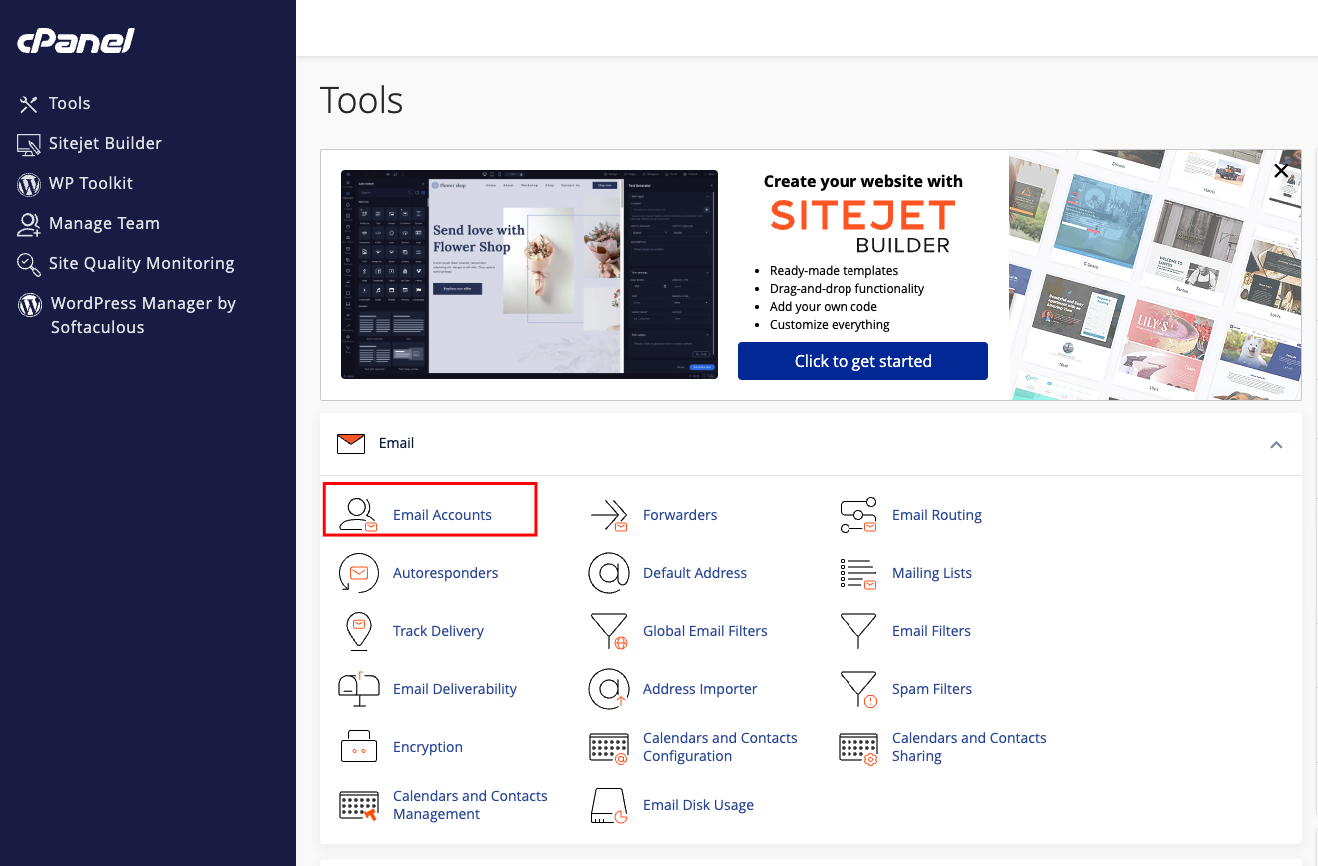
- Under the Mail section, click on Email Accounts . This will open the Email Accounts page.
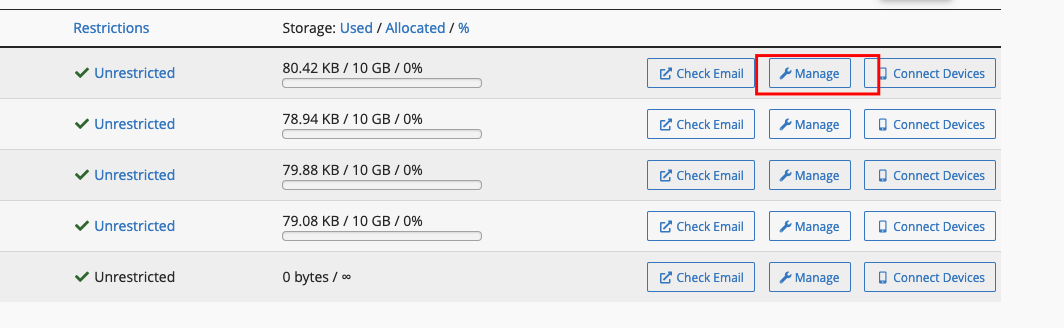
- Locate an email account for which you wish to change the mailbox quota.
- Click Manage
- Scroll down to STORAGE
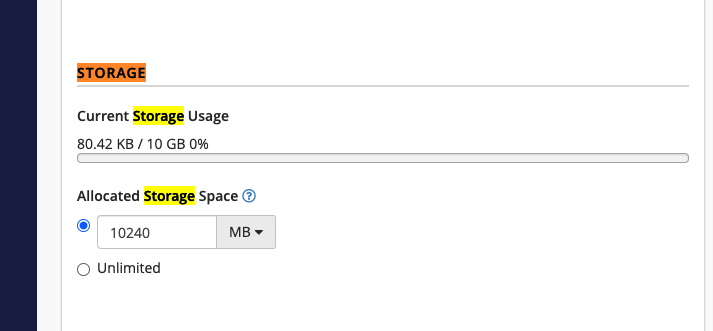
- Enter the new mailbox quota size or check the checkbox in front of Unlimited(this set it to infinite)
- Click Update Email Settings to save.