

- You cannot connect via SSH
- Your firewall rules are blocking access
- Network settings were misconfigured
- The server appears online but is inaccessible
How to Connect Using Get Connection
1. Log in to the Verpex Client Area
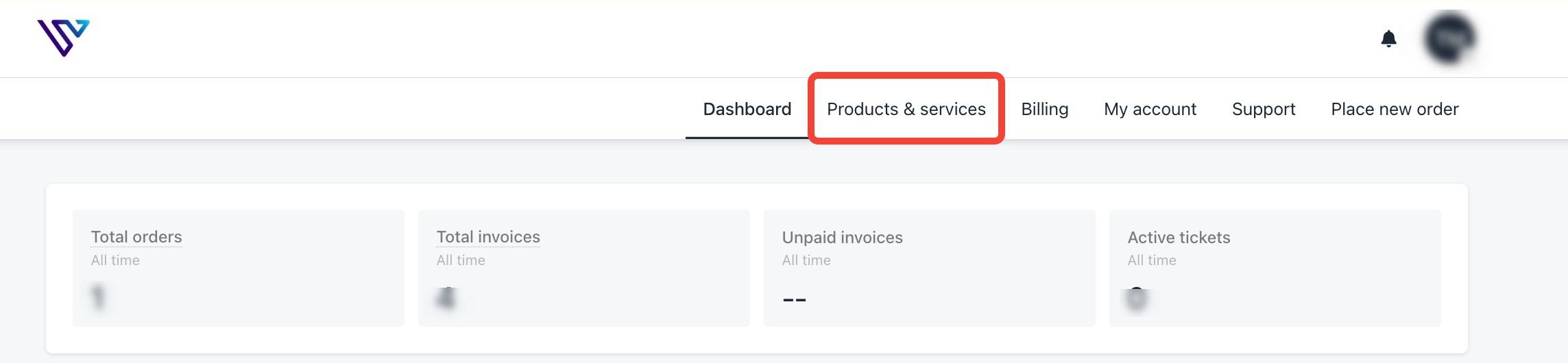
Log in to your Verpex Client Area using your account credentials.2. Go to Product and Services
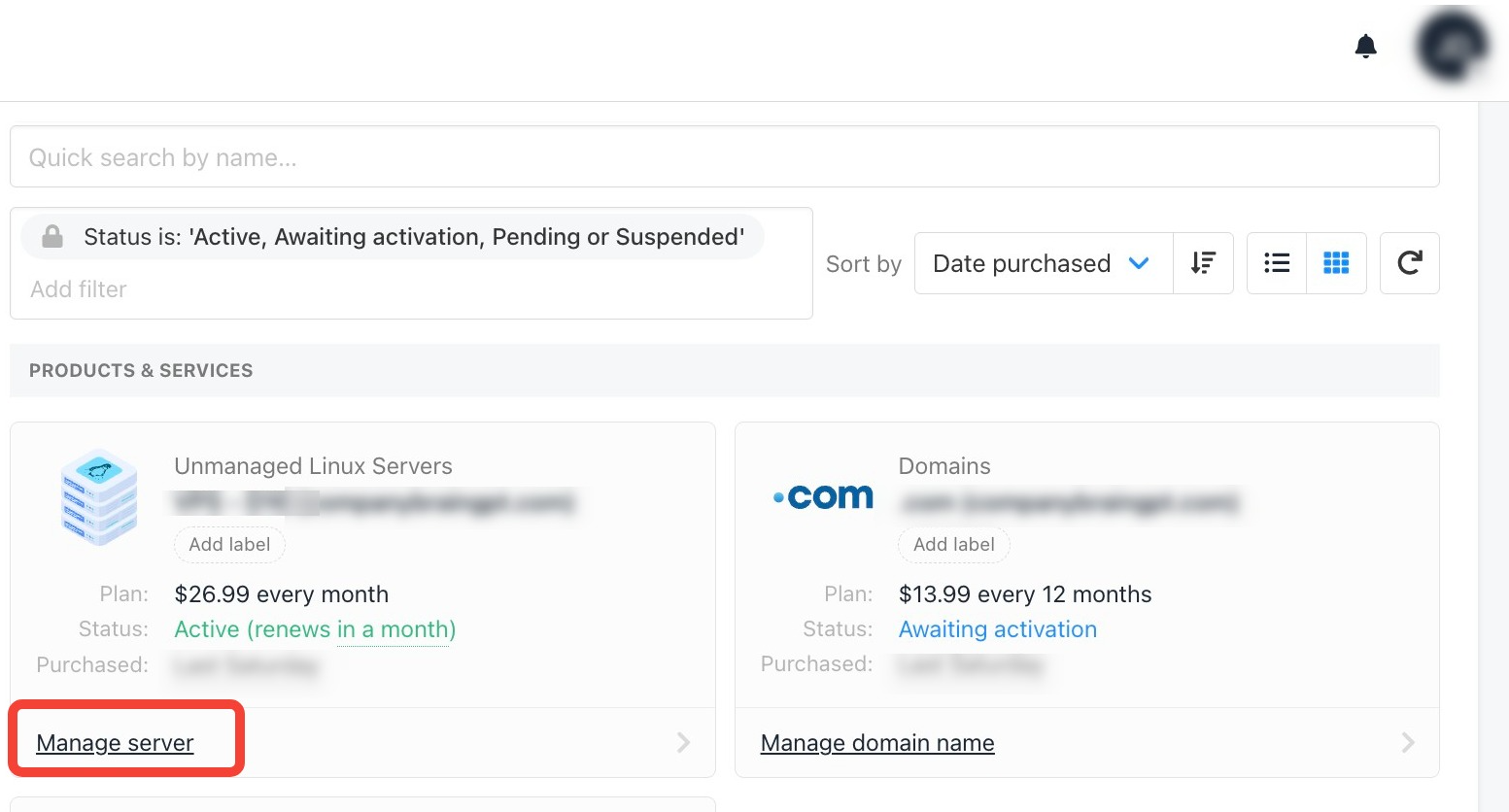
3. Click on Manage Server
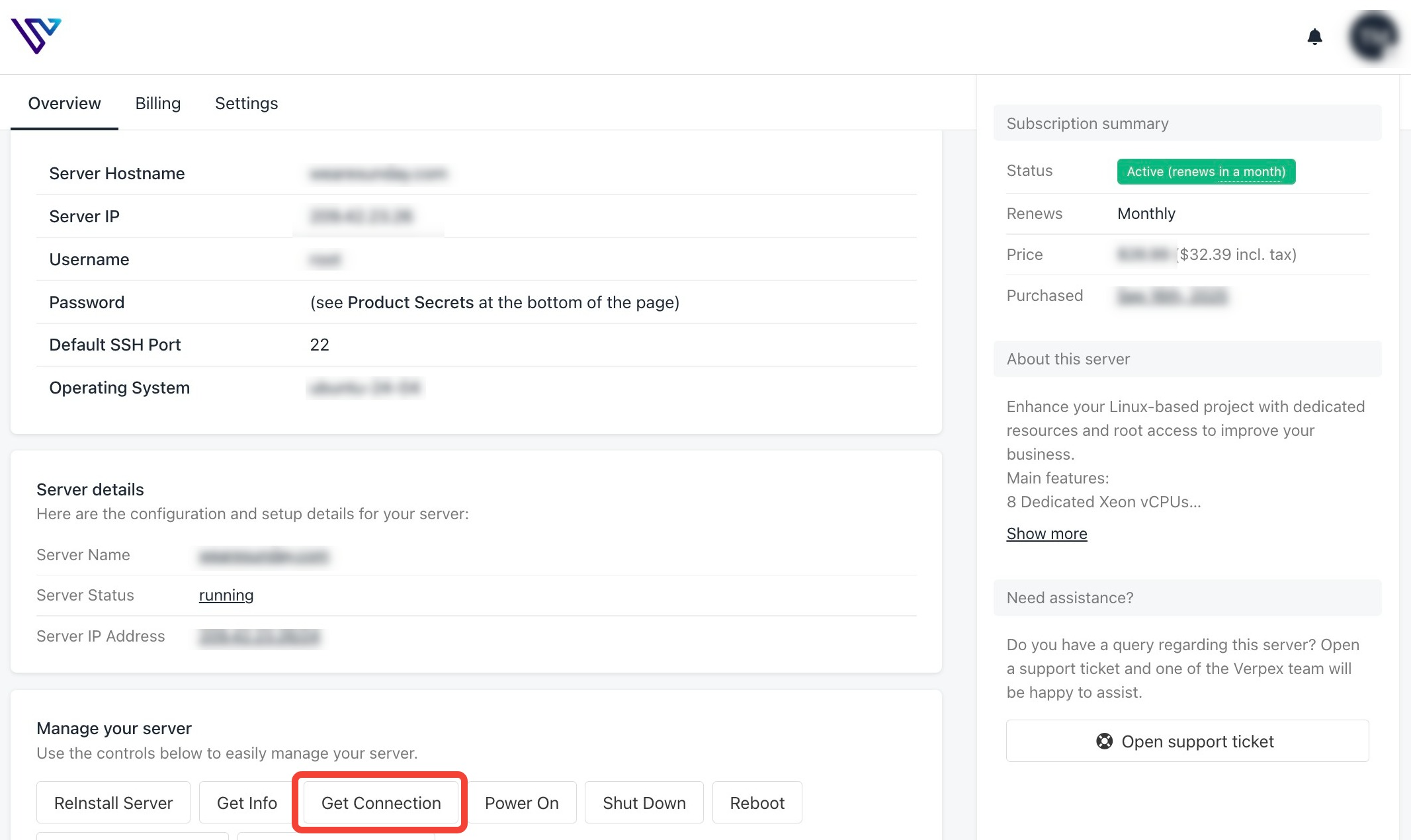
4. Click the Get Connection Button
5. Access Your Server Console
Once the console loads, you will have direct access to your server, even if SSH is unavailable. From here, you can:- Fix firewall or network configuration issues
- Reset SSH settings
- Restart services
- Perform recovery tasks