

Note: The My Customers section is only available if you have an active Enhance Reseller product.
Accessing My Customers
- Log in to your Verpex.com account at https://clients.verpex.com/
- From the left-hand navigation, click My Customers.
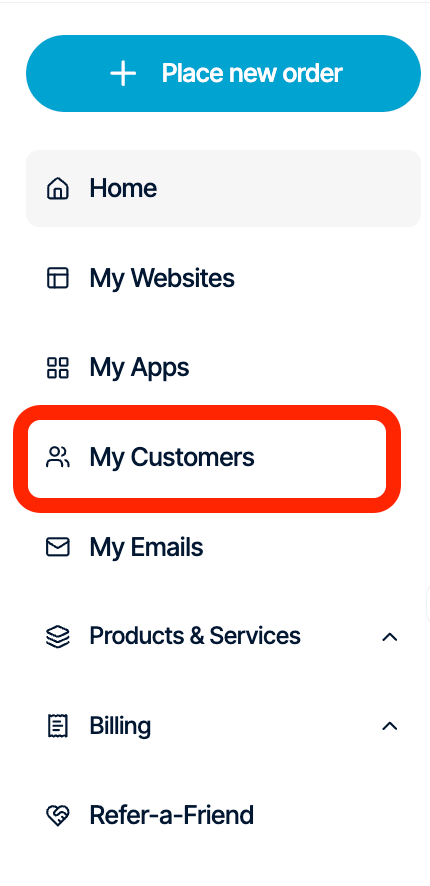
- You’ll see a list of all customers associated with your Enhance Reseller account.
Customer Overview
The My Customers page displays the following information for each customer:- Organisation – The customer’s organisation or account name.
- Owner – The primary account owner and email address.
- Packages – The number of hosting packages assigned to the customer.
- Websites – The number of websites the customer currently hosts.

Managing a Customer
Each customer has a Manage button. Selecting Manage securely logs you into the customer’s Enhance control panel, allowing you to manage their hosting environment without needing their login credentials.Customer Actions
Click the three-dot (⋮) Actions menu next to any customer to access additional management options.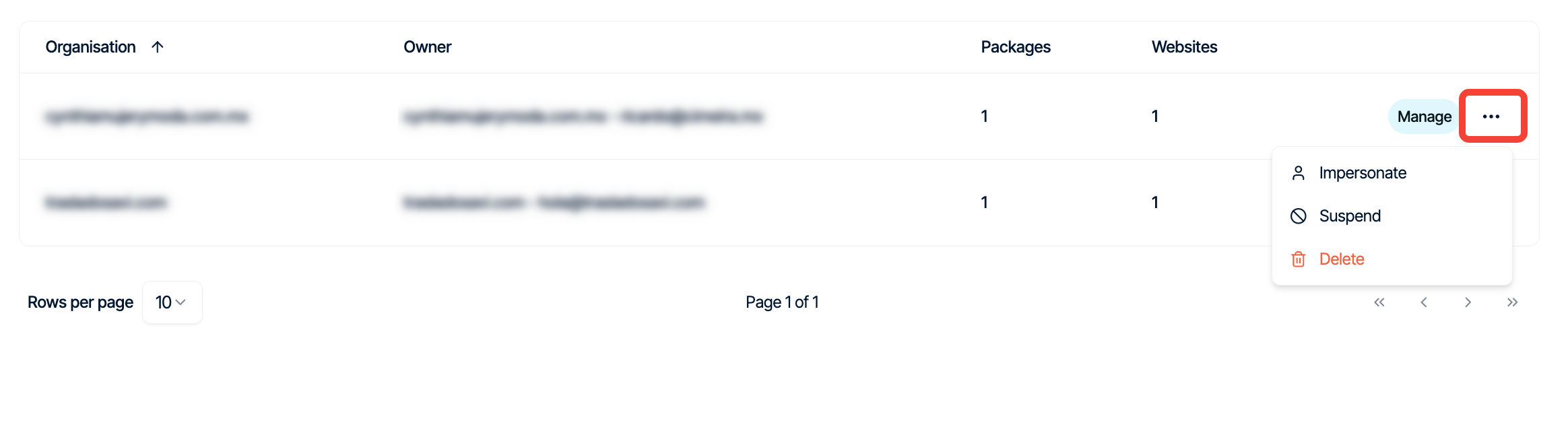
Impersonate
Logs you directly into the customer’s Enhance control panel as that customer. This allows you to troubleshoot issues or perform administrative tasks on their behalf without requiring their login credentials.Suspend
Temporarily suspends the customer’s account. Suspended customers will be unable to use their hosting services until the account is reactivated.Note: Suspending a customer does not permanently remove their data.
Delete
Permanently removes the customer from your reseller account.Creating a New Customer
To create a new customer:- Open My Customers.
- Click Create customer.
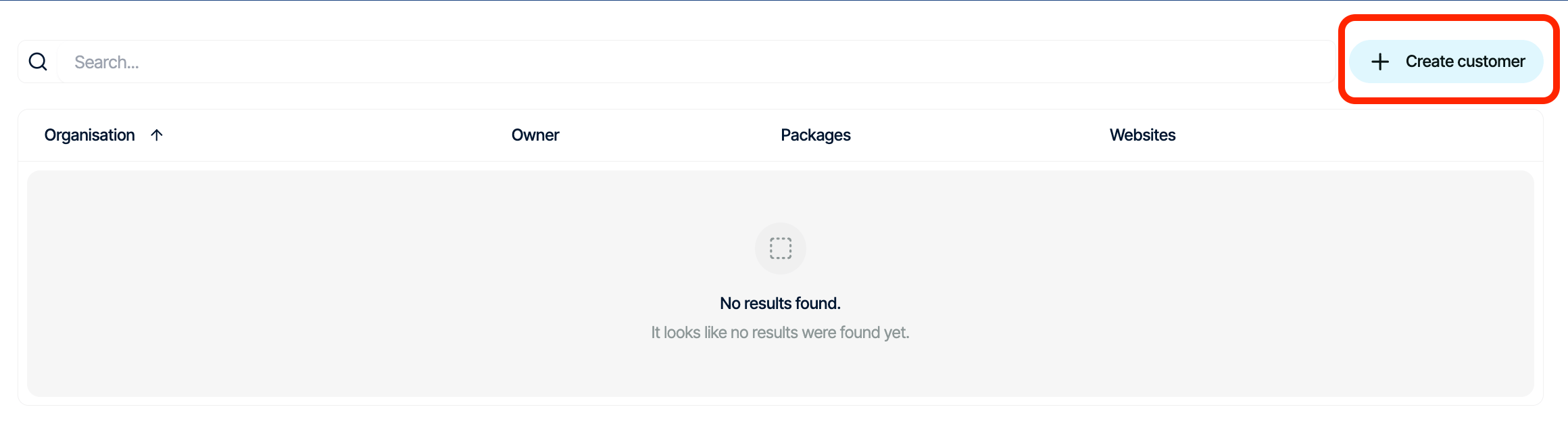
- Enter the required customer details.
- Click Add to create the customer