

Step 1: Access the Server Console (VNC)
- Log in to https://clients.verpex.com/
- Go to Products and Services -> Hosting and Services
- Click on Manage
- Click the Login button

Step 2: Boot into GRUB Menu
- Reboot the system
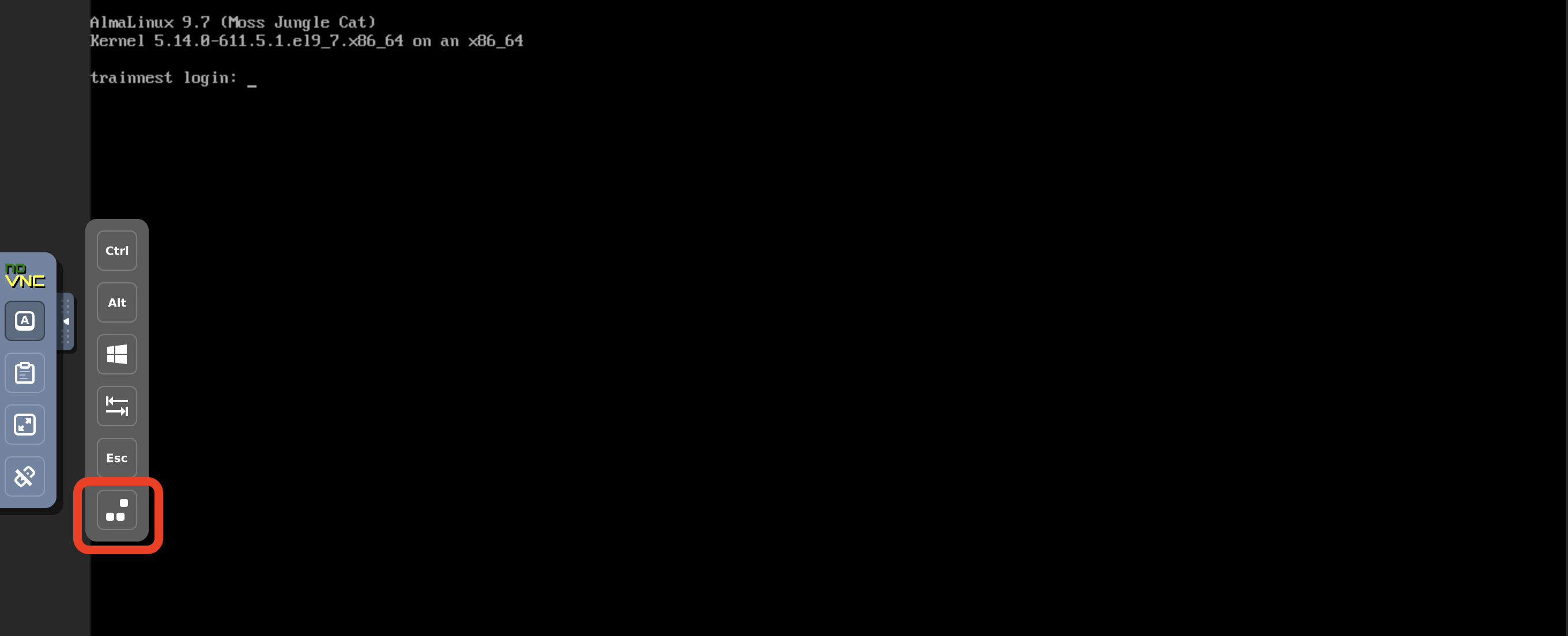
- When the GRUB menu appears, select the default kernel entry. You should navigate with the arrows
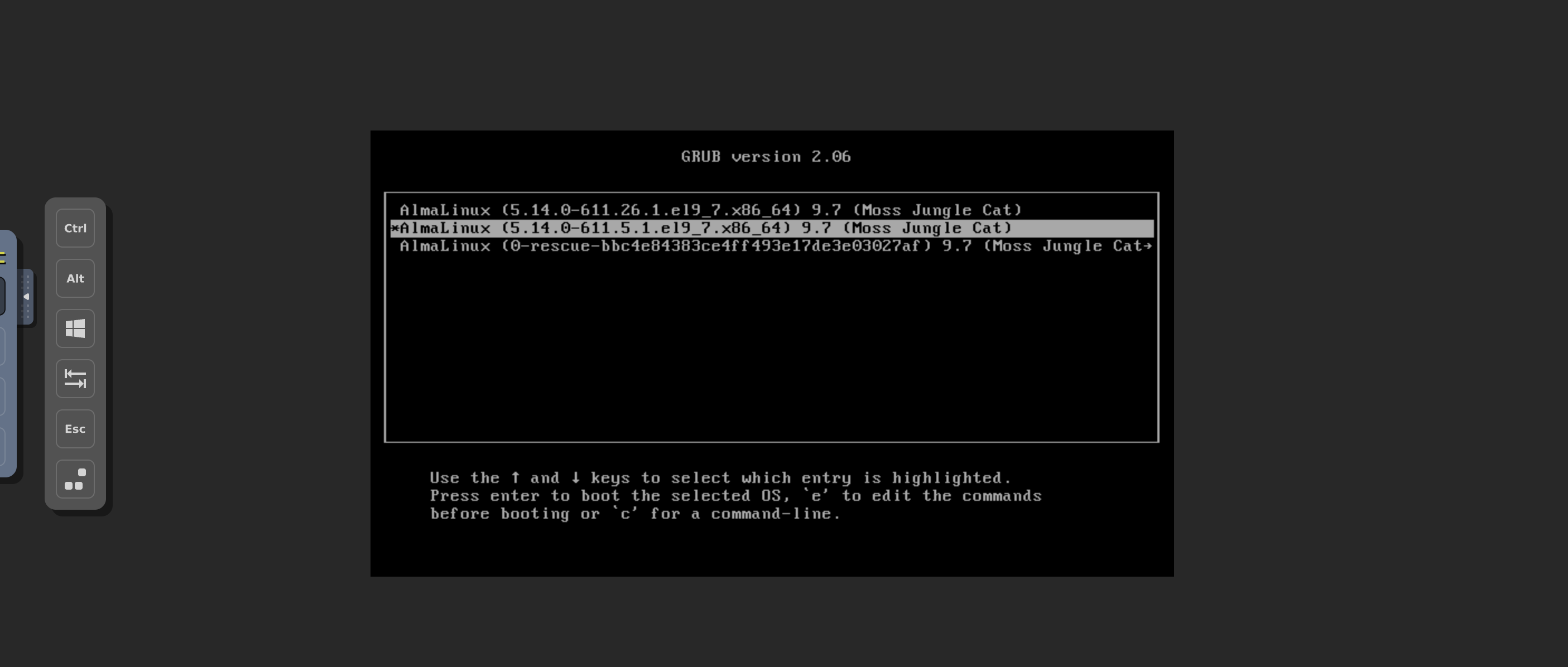
- Press
eto edit the boot parameters.
Step 3: Modify Kernel Boot Parameters
- Locate the line starting with linux or linuxefi
- At the end of that line, add:
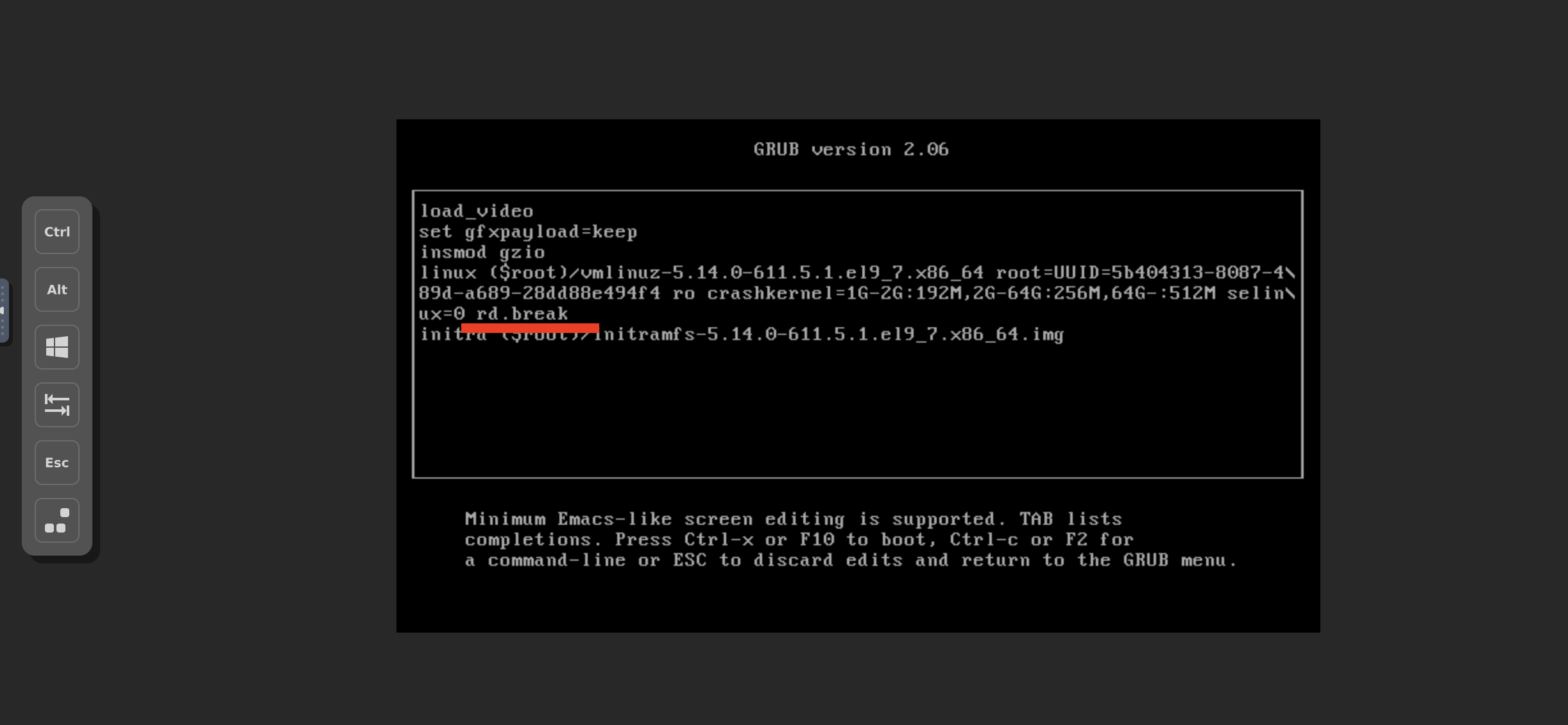
If console=ttyS0,115200 is present as the last parameter, remove it before adding rd.break.
- Press Ctrl + X (or F10) to boot with the modified parameters.
Step 4: Enter Emergency Mode Shell
After booting, the system will drop into an emergency shell with a prompt similar to:Step 5: Remount the System as Writable
Step 6: Chroot into the Installed System
Switch into the actual system environment:Step 7: Reset the Root Password
Run the password utility:- Enter a new password when prompted.
- Confirm the new password.