

- Sign in to your Verpex account.
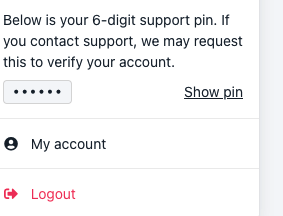
- Select your account profile from the right top corner, then, click my account

- After that, choose the Security tab. You will see the 2FA Toggle-button
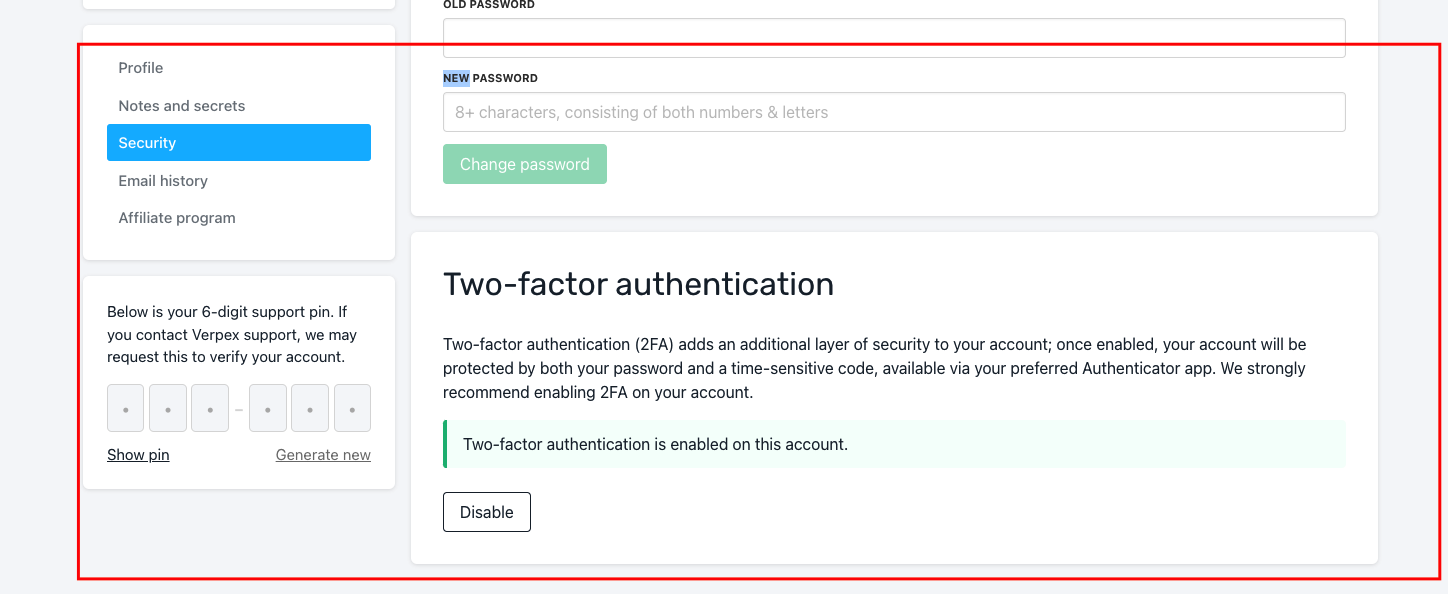
- Click Two-Factor Authentication and proceed with the feature enabling
- Select Settings from the left >> choose Security.
- Click Two-Factor Authentication and proceed with the feature disabling