1. Log in to Enhance Control Panel
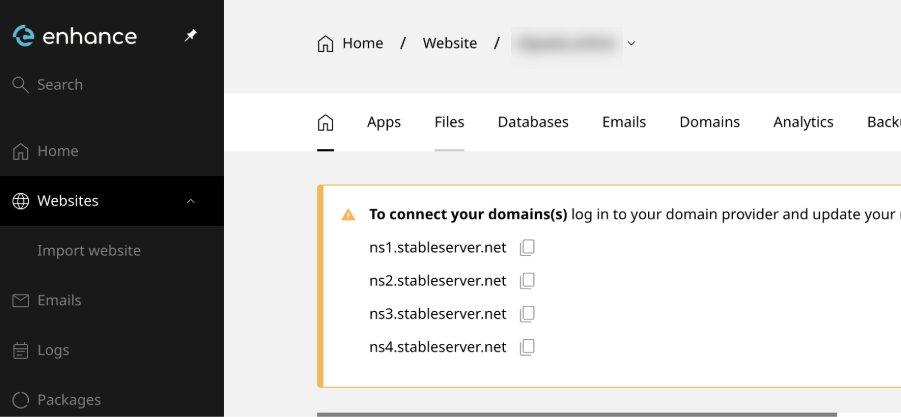
- Navigate to Websites.
- Click on the desired domain name.
2. Upload Your Application Files
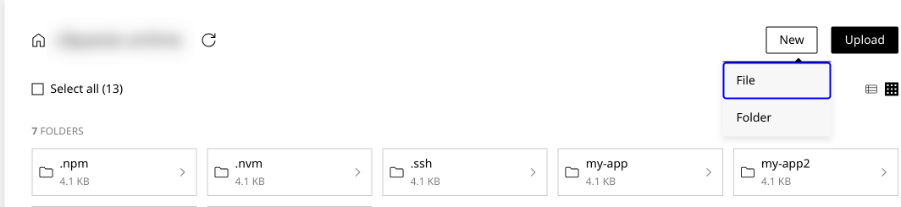
- Go to Files.
- In your home directory, create a folder called:
- Upload your application files into this folder.
index.js
package.json
3. Connect via SSH
If you don’t know the SSH password, you can reset it:- In Enhance CP, go to:
- Websites
- Select your domain
- Advanced
- Developer Tools
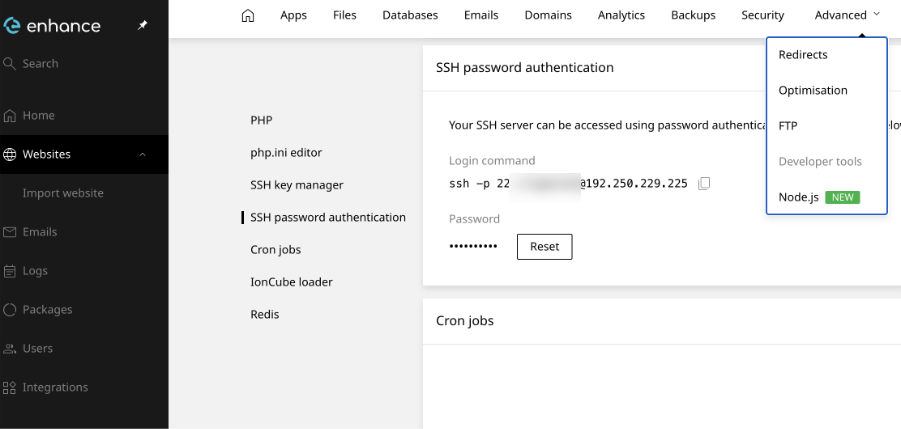
- Scroll down to SSH Password Authentication.
- Click Reset and set a new password.
4. Deploy the Application
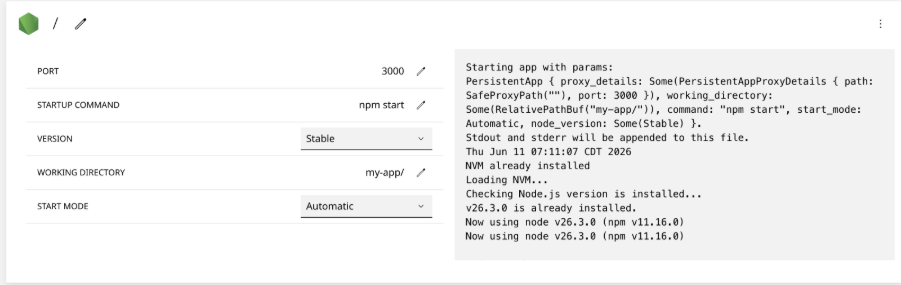
Return to the Enhance Control Panel and deploy the application using the Deploy Node.js tool.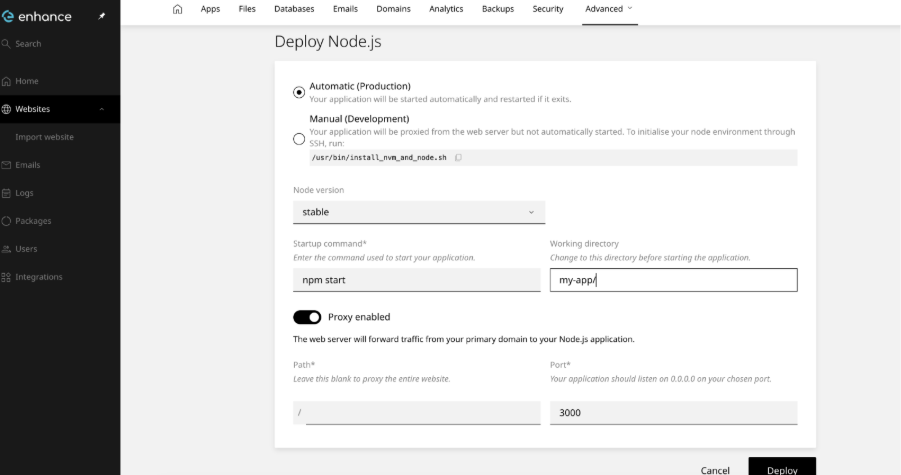
my-app directory.
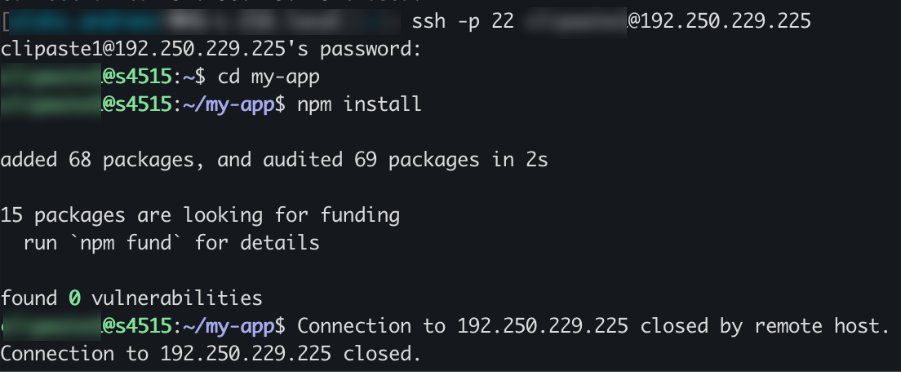
5. Install Dependencies
After the deployment has been created, return to your SSH session and run: