

- Log into your client area
- Once logged in, click Billing -> Invoices
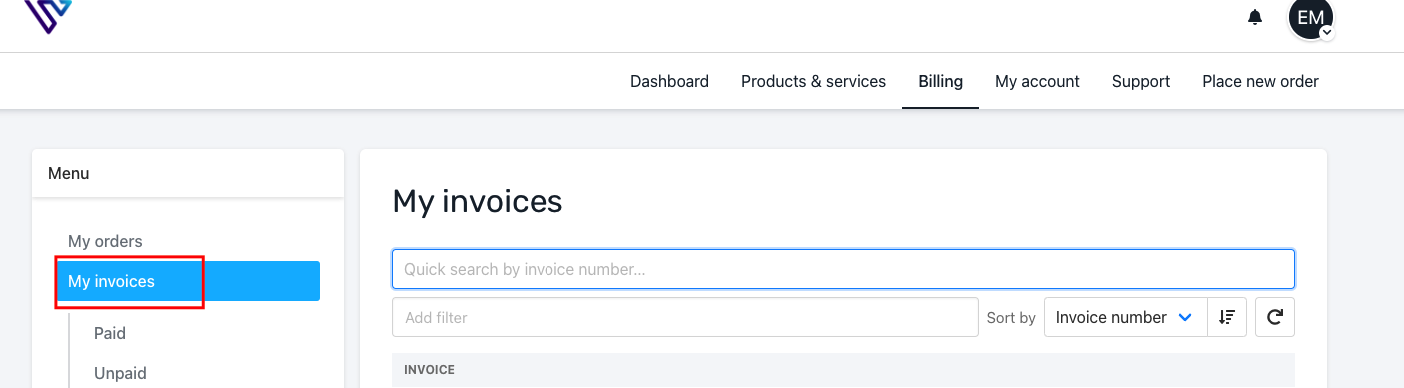
- This page will display a list of all invoices you have generated with us. The list is shown on the page as Paid, Unpaid, Credited(Refunded)
Unpaid - This is a list of invoices that are yet to be paid
Credited - This is a list of invoices that have been refunded, the status is shown as cancelled You can download a copy of your invoice on your device. In order to do this, open the invoice you wish to download, click Download at the top right of the invoice.