- Log into your client account
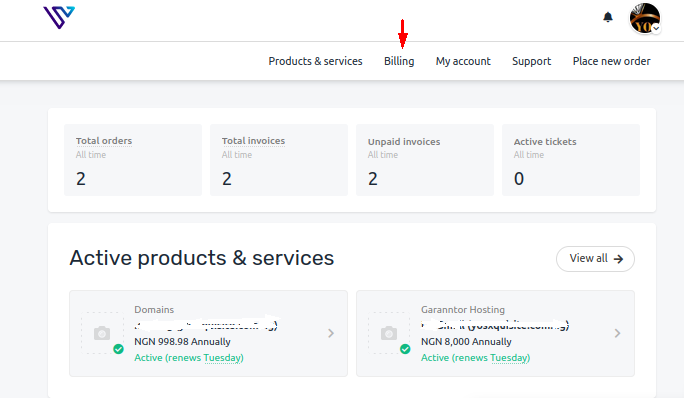
- Click Billing at the top of the page
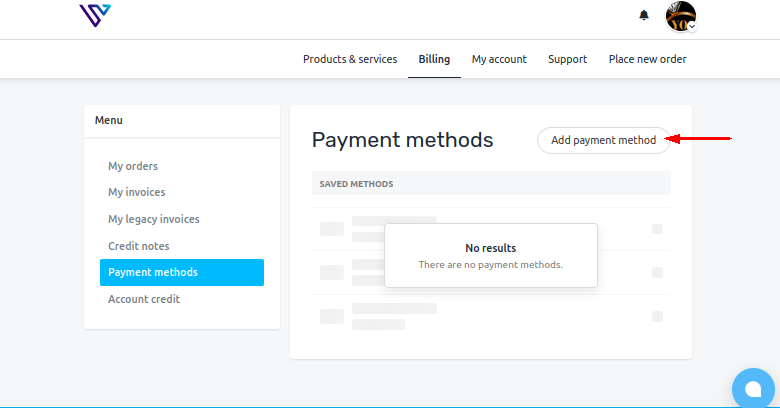
- If you are yet to choose any payment method, click Add payment method
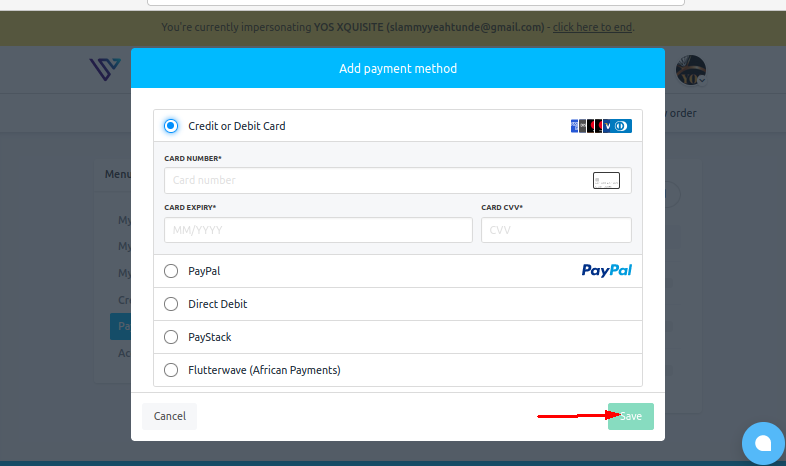
- Depending on the payment method, fill required details and Save
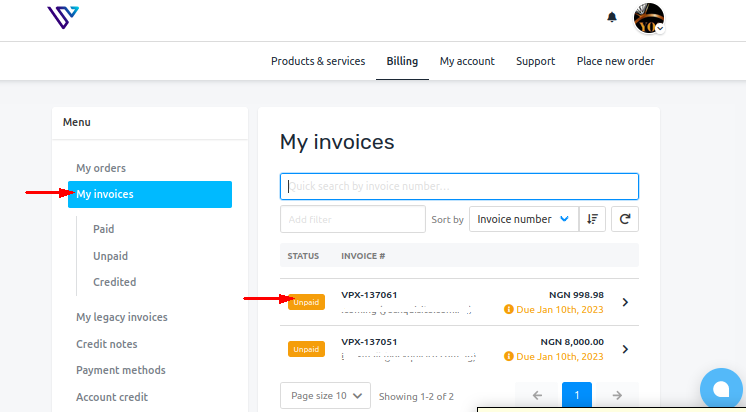
- Navigate to My invoices from Billing
- Go to the unpaid invoice you wish to change the payment method
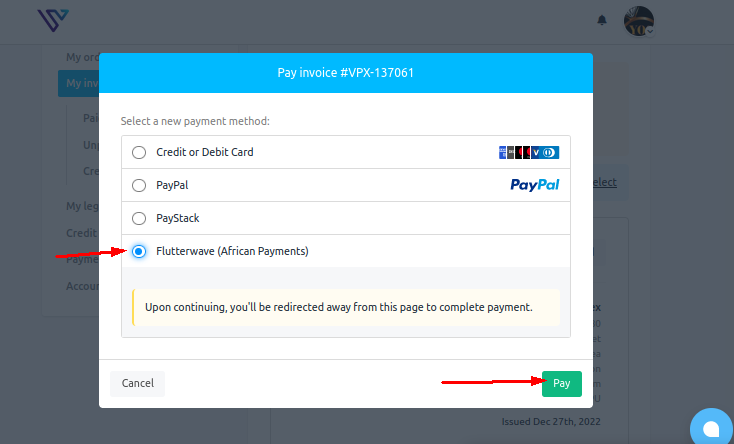
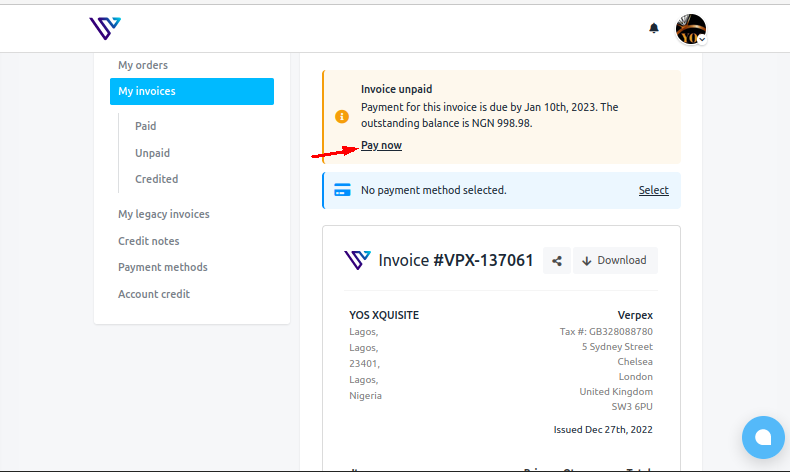
- Click Pay Now
- Choose a payment method(in this scenario I chose Flutterwave) and proceed to make the payment