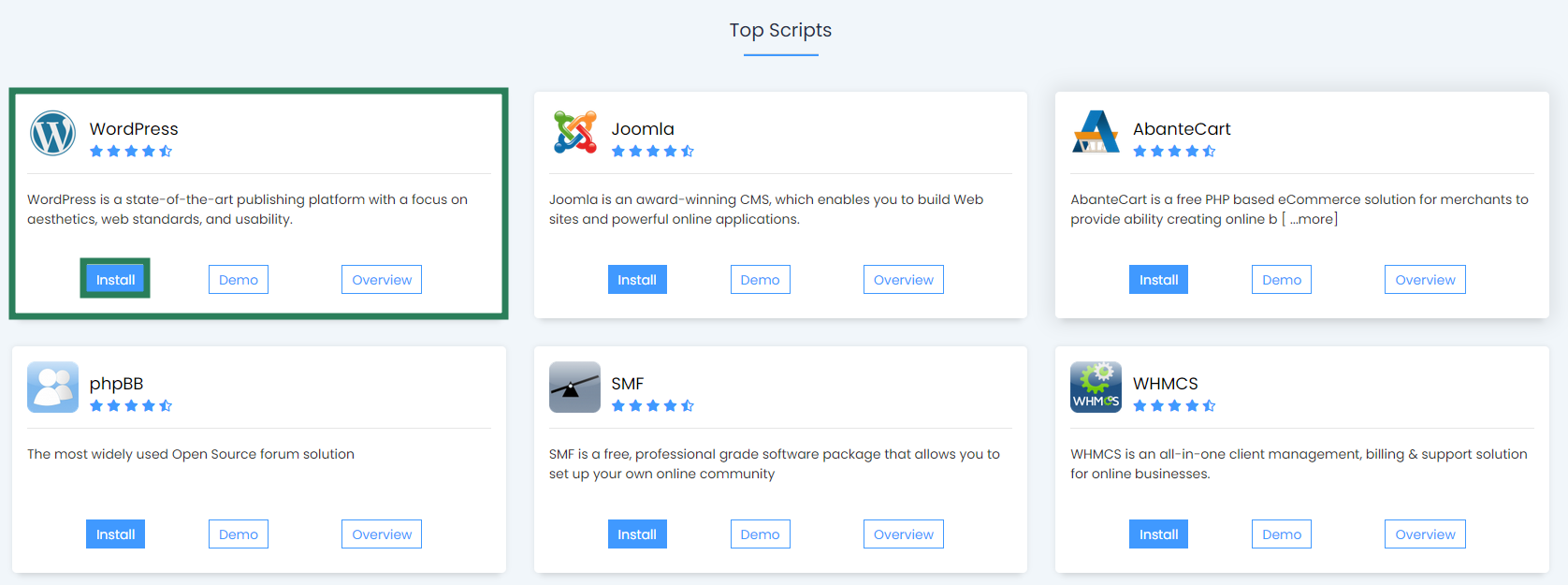
We’ve made it really easy for anyone who uses our services to go ahead and install WordPress. The overall procedure takes around 3-4 minutes with the installation time of 60 seconds and under once you’ve inputted all the required setup details. To get WordPress installed on Verpex’s services, please follow the steps below:
Please click on WordPress and then install now.
You now successfully installed WordPress, in order to access the WordPress admin area, please enter a browser and enter /wp-admin after as the example below (Please remove the testdomain.com to you’re desired domain name set). https://testdomain.com/wp-admin If you face any issues during setup and need some help, please contact us and we’ll be delighted to help you further along with any questions you may have.