

- Log in to the Hosting Panel at https://clients.verpex.com/
- Click your initials in the top-right corner, and then click Profile.
- The Personal section appears. In the Emails section, locate the email address you want to set as the default, click the three-dot menu icon, and then click Set as default:
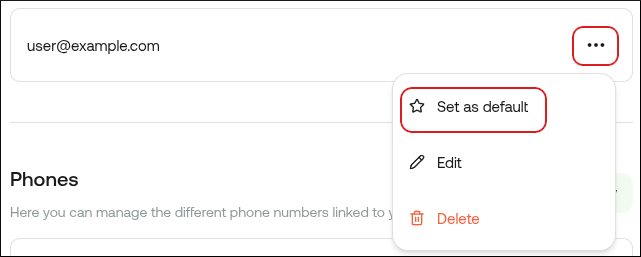
If the Set as default option does not appear, then you only have one email address linked to your account. Click Add new, specify a new address, and then click Add email. After you verify the new email address, the Set as default option appears.