- Log into cPanel
- Choose Setup Node.js Appunder Software

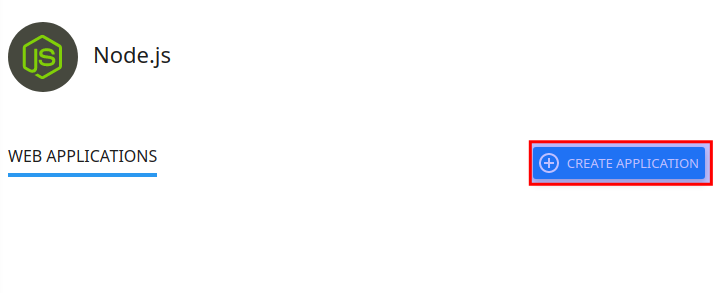
- Click Create Application
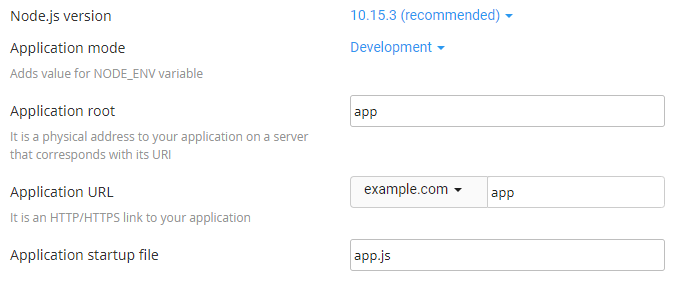
- Fill in the Application root field (this is the directory in which you will upload for application files)
- Select your Application URL and startup file (if you do not name a startup file, app.js is used as the default)
- Fill in the remaining fields with your preferred values
- Click Create when ready