- Log in to cPanel.
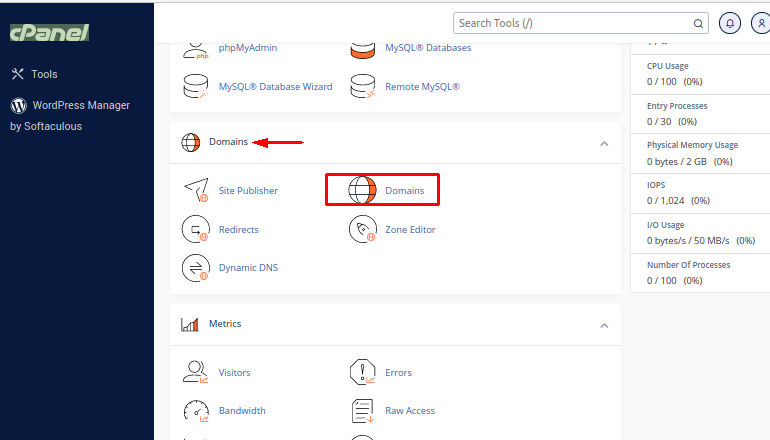
- In the Domains section of the cPanel click Domains
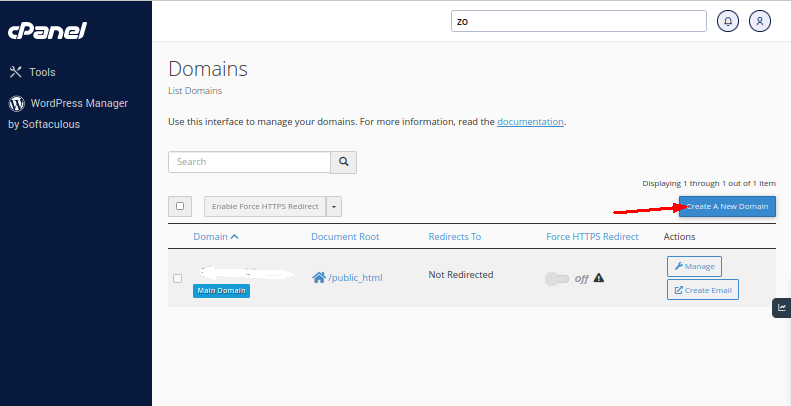
- Click Create A New Domain
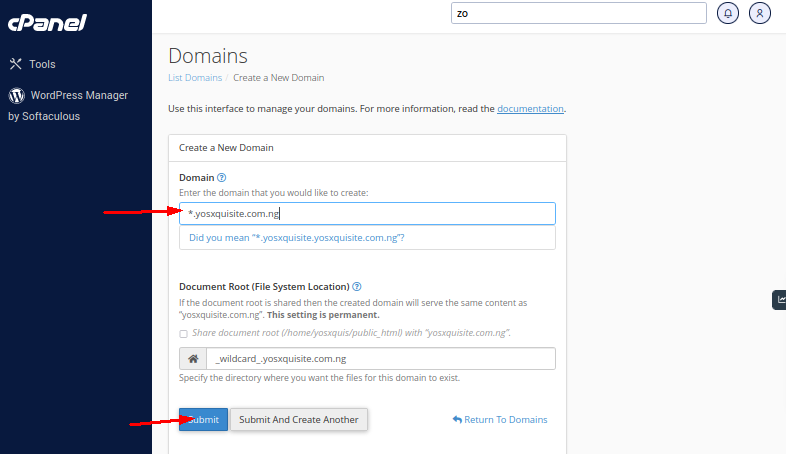
- In the box created for the subdomain, type an asterisk * symbol, signifying that you are creating a wildcard subdomain. Other fields will automatically generate a path for your wildcard subdomain. You can change the directory by typing the full path in the Document Root text box.
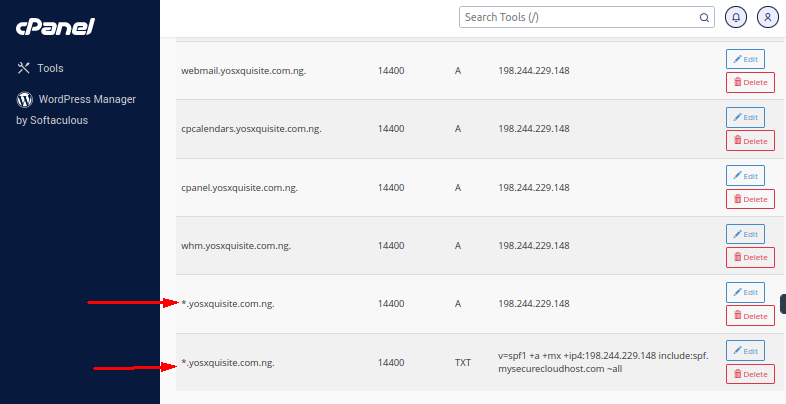
- Click Submit. You will get a success message to confirm the subdomain was set up.