

What should you do if you want to create multiple addon domains with different extensions?
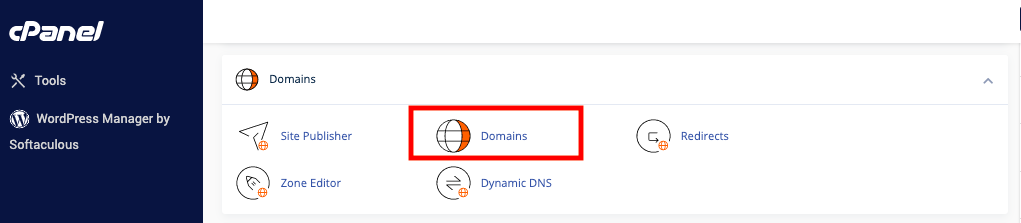
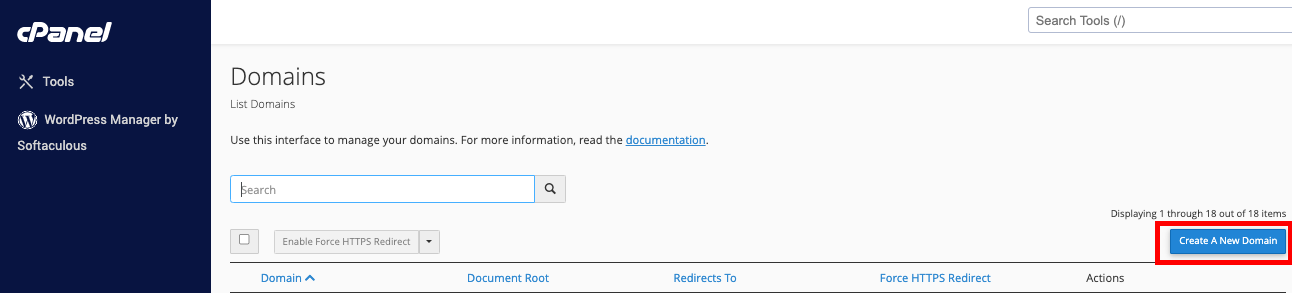
You will need to enter a unique username in the Subdomain text box manually if you want to create several addon domains with different extensions (for instance, example.net and example.com). The maximum number of addon domains that you can make can be seen on your cPanel Statistic Sidebar.For Resellers, you can modify this number by going to WHM > List Account > Modify Account > Max Addon Domains. If the zones files of the registered domain are incorrect, you might receive an error, and you will be prevented from adding the domain. You can use the Zone Editor interface in cPanel by going to cPanel, clicking on Home, then Domains, and Zone Editor. The zone editor will help you to correct the zone files of your domain. If you want to make sure that your zone files are right, feel free to reach out to us.