

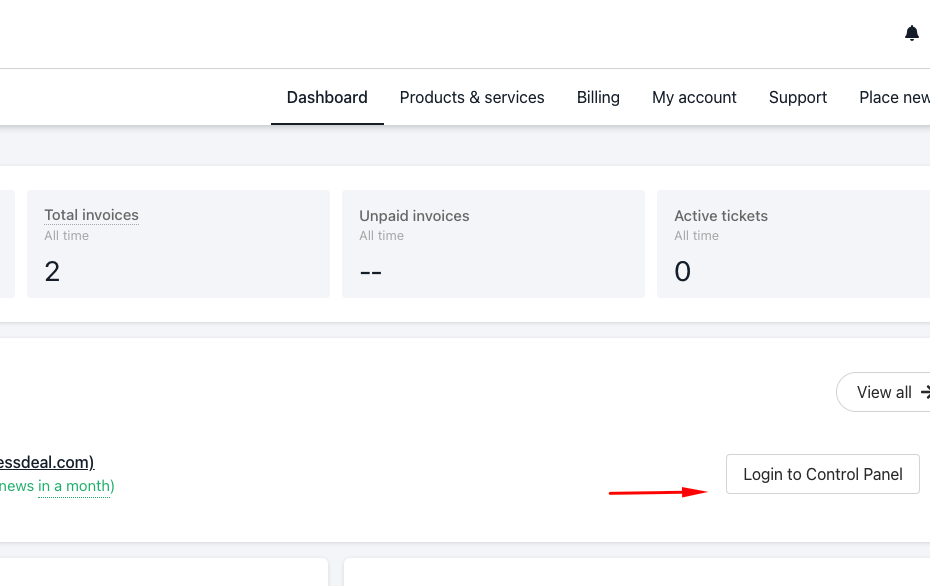
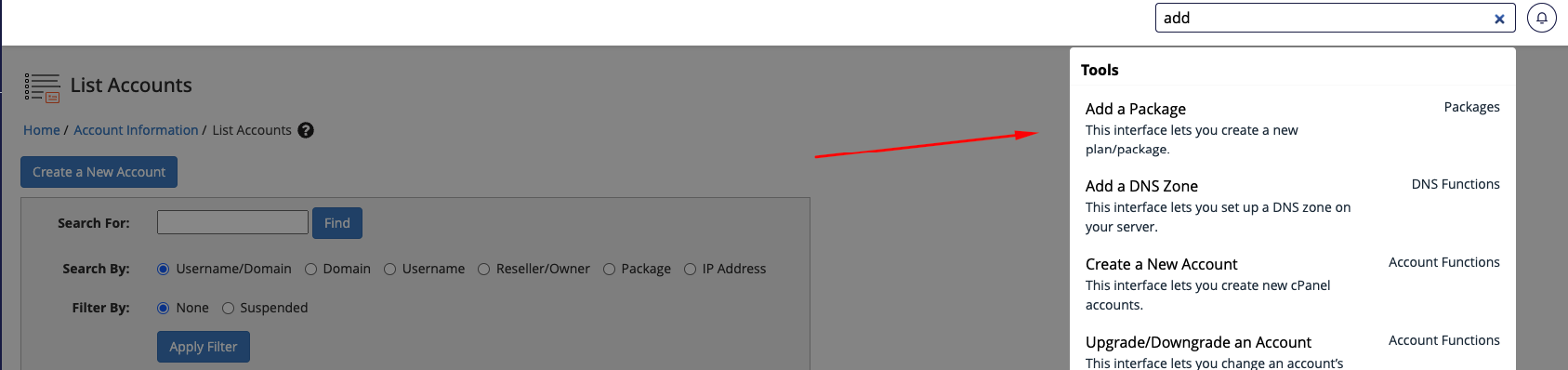
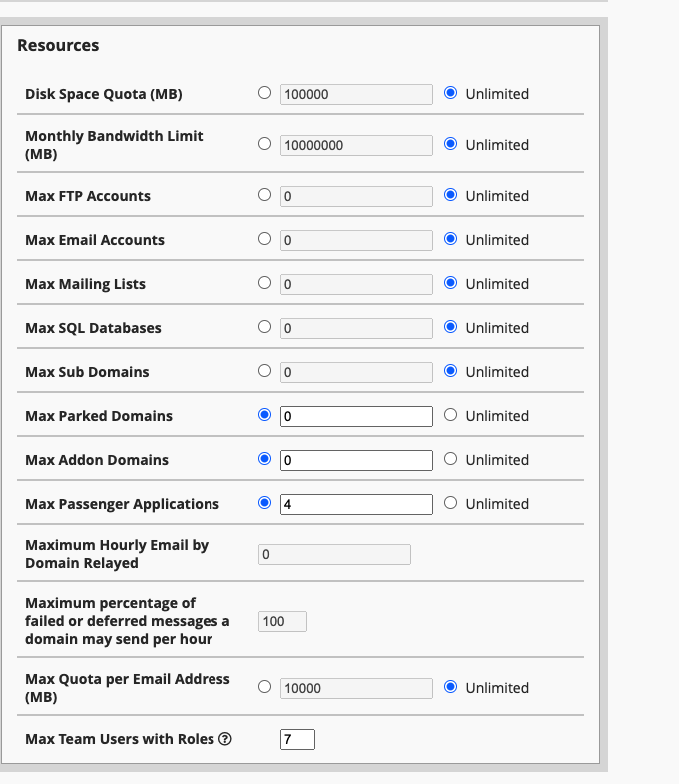
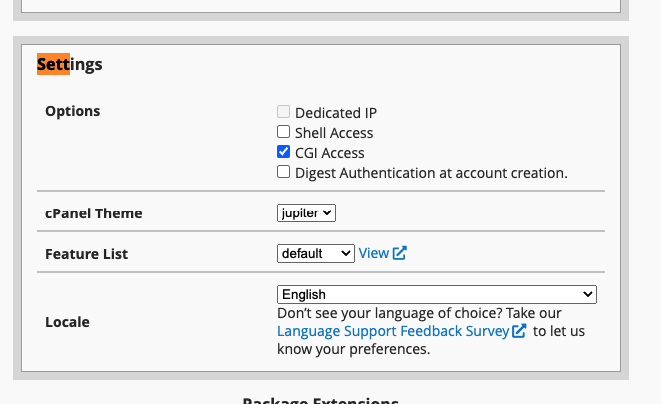
Click on the “Feature Manager.” You will see a new feature list under “Add a New Feature List.” Clicking “Add” will allow you to enter the new list. Step four The next page will have a list of features. You can choose which ones to enable or disable. Once you’re done, click “Save.” This creates a new feature list in WHM. Functions of WHM Before you decide if a product is suitable for your needs, it is necessary to look at what the product does. For example, WHM offers a suite of tools that website owners can use to do various things, such as monitoring and managing websites, creating and suspending cPanel accounts, configuring customers’ support requests, changing domain names, and checking and editing DNS zones. Why do you need WHM? The Web Host Manager is a powerful tool that gives you flexibility and control when managing multiple websites. With WHM, you can easily sell hosting services and create cPanels for your customers. There are several reasons why you need WHM, especially if you have popular websites that require different cPanels. For example, if one of your websites is attacked or hacked, the hacker will not be able to access other websites that are on different cPanels. This is because it would be very difficult for someone to know if the different cPanels are connected to the same web host manager account. Additionally, using a web host manager can save you money and stress if you have several websites that require credit cards. This is because it would be very frustrating to manage different domains in a single cPanel, especially when updating files frequently. With WHM, you can use a shared cPanel account which makes the process much easier. Conclusion As a website owner, it’s important to have full control over your site. That’s where Web Host Manager comes in. WHM is a tool that gives users the ability to manage and control every aspect of their website. With WHM, you can create packages and feature lists on cPanel to get complete control over the features of your site.