> ## Documentation Index
> Fetch the complete documentation index at: https://kb.verpex.com/llms.txt
> Use this file to discover all available pages before exploring further.
# Managing Your Website, Databases, and Backups in Enhance
> Learn how to manage your website and email from one convenient interface in Enhance Control Panel.
## Manage your website
1. Log in to your Enhance control panel
2. In the left sidebar, click **Websites**.
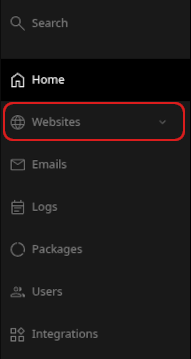
3. On the **Manage websites** page, click the website you want to manage.
4. Use the tabs at the top of the page to manage different parts of your site.

## What each tab does
### Apps
Use the **Apps** tab to install applications. Click **Install app**, select the settings you want, and then click **Install**.

Only WordPress and Joomla are supported at this time. You can install other applications manually.
### Files
Use the **Files** tab to manage your files. You can download, edit, delete, and perform other file operations.
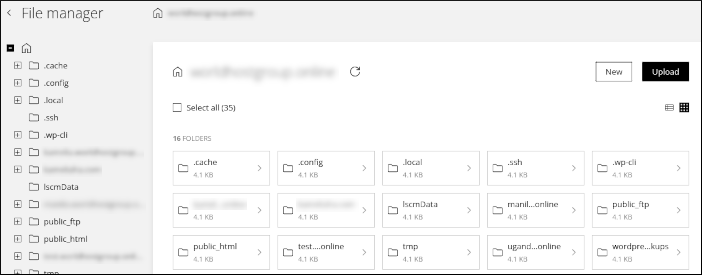
For more information on using file manager, see [Using the File Manager in Enhance.](/enhance/using-the-file-manager-in-enhance)
### Databases
Use the **Databases** tab to manage your MySQL databases. You can add, modify, and delete databases and users. phpMyAdmin is also available here. To get started, click **Add database**.
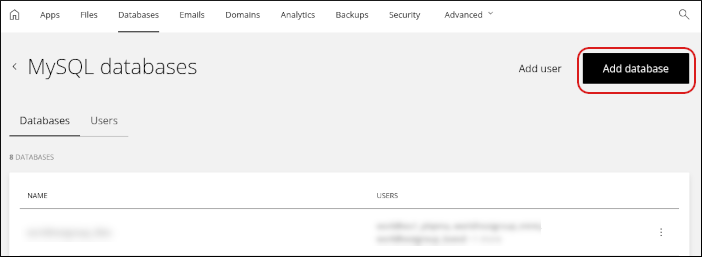
For more information, see [Managing your MySQL databases in Enhance](/enhance/managing-your-mysql-databases-in-enhance).
### Emails
Use the **Emails** tab to configure your email accounts. You can add, modify, and delete email accounts and related settings.
For more information, see [Managing your Email in Enhance](/enhance/managing-your-email-in-enhance).
### Domains
Use the **Domains** tab to manage your domains. You can add subdomains, addon domains, and aliases. You can also configure settings such as the document root directory and DNS.
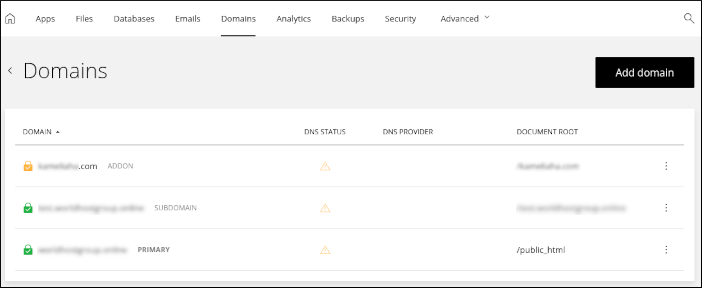
For more information, see [Managing your Domains in Enhance.](/enhance/managing-your-domains-in-enhance)
### Analytics
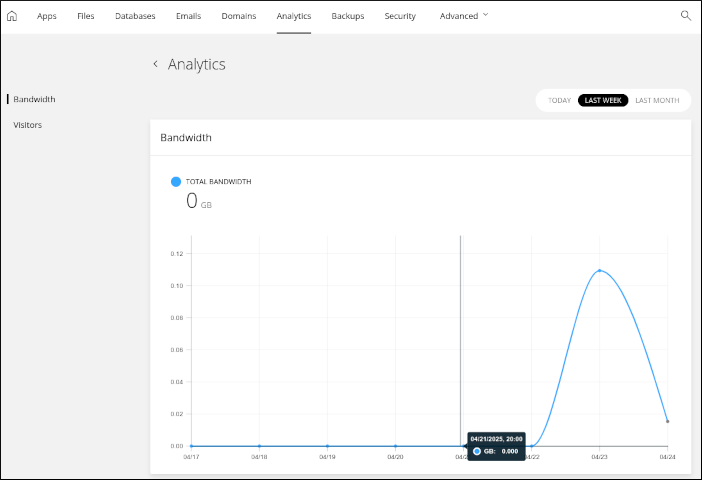
Use the **Analytics** tab to view bandwidth usage and visitor statistics for your website. You can view statistics for today, last week, or last month.
### Backups
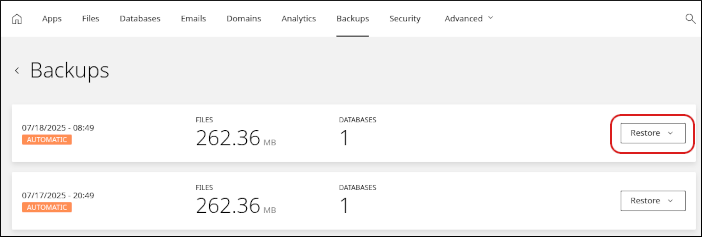
Use the **Backups** tab to manage automatic backups and restores. To restore from a backup, click **Restore** and then select what you want to restore.
You can selectively restore:
* Email
* Website files
* A custom collection of items, including email, website files, and databases
For more information, see [Managing Backups in Enhance](/enhance/managing-backups-in-enhance).
### Security
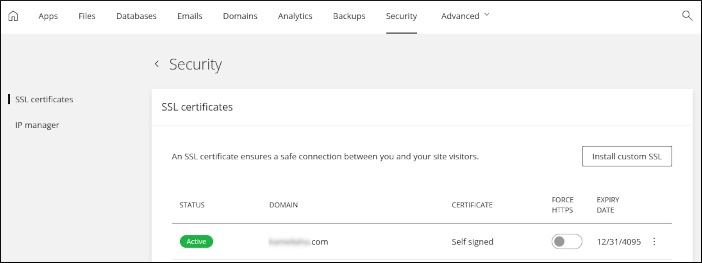
Use the **Security** tab to manage SSL certificates for your site and allow or block specific IP addresses.
For more information, see [Installing an SSL certificate in Enhance.](/enhance/installing-an-ssl-certificate-in-enhance)
### Advanced
The **Advanced** tab contains several additional tools:
* **Redirects**: Add permanent (301) or temporary (302) redirects to forward visitors to another domain.
* **Optimization**: Enable Opcode caching for your site.
* **FTP**: Add, modify, and delete FTP accounts.
For more information, see [Managing FTP accounts in Enhance](/enhance/managing-ftp-accounts-in-enhance).
* **Developer tools**: Access advanced settings, including PHP settings and cron jobs. You can also view and configure SSH connection details for your account.
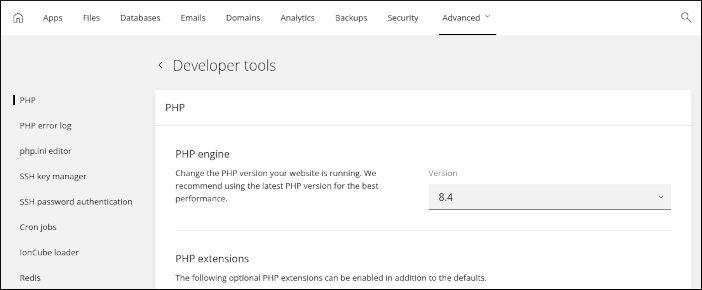
* For PHP settings, see [Changing PHP versions and settings in Enhance](/enhance/changing-php-versions-and-settings-in-enhance).
* For SSH setup, see [Configuring SSH access in Enhance.](/enhance/configuring-ssh-access-in-enhance)