> ## Documentation Index
> Fetch the complete documentation index at: https://kb.verpex.com/llms.txt
> Use this file to discover all available pages before exploring further.
# How to Delete an Email Account in cPanel
Before you delete an email account, do not forget to backup important emails
Follow these steps to delete an email account
* Log into your cpanel
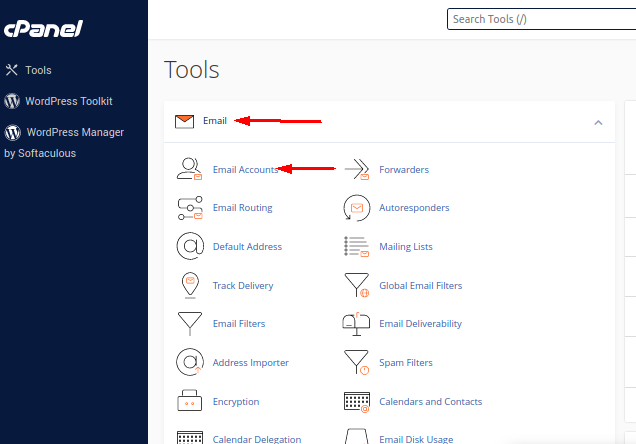
* Click **Email Accounts** under the **Email** section
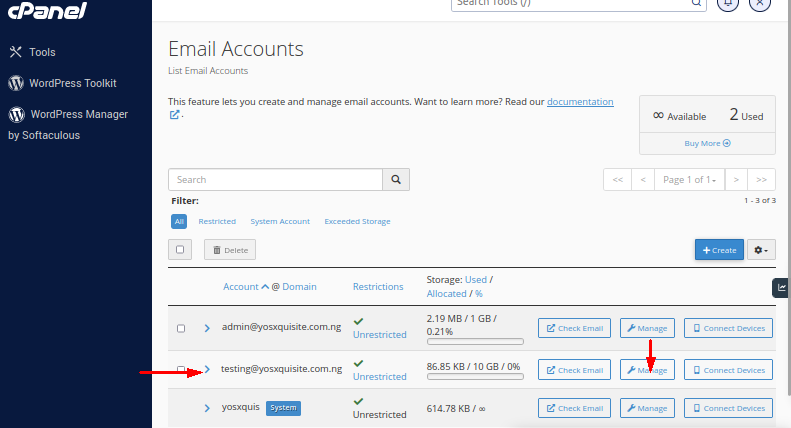
* Click the **Manage** icon in front of the email account you wish to delete
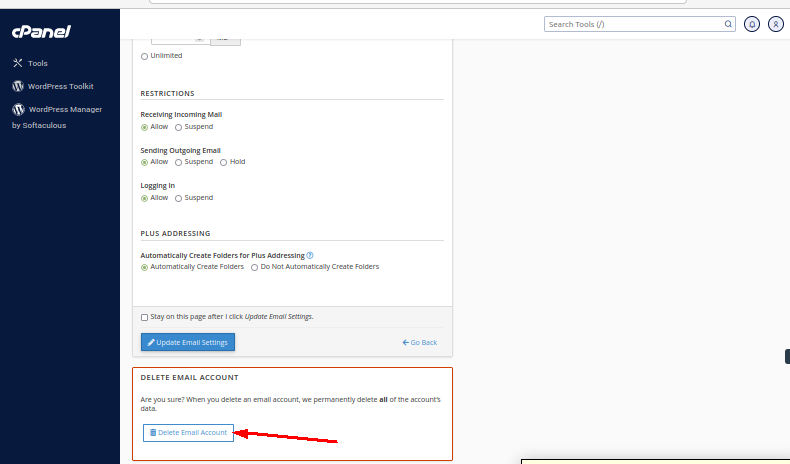
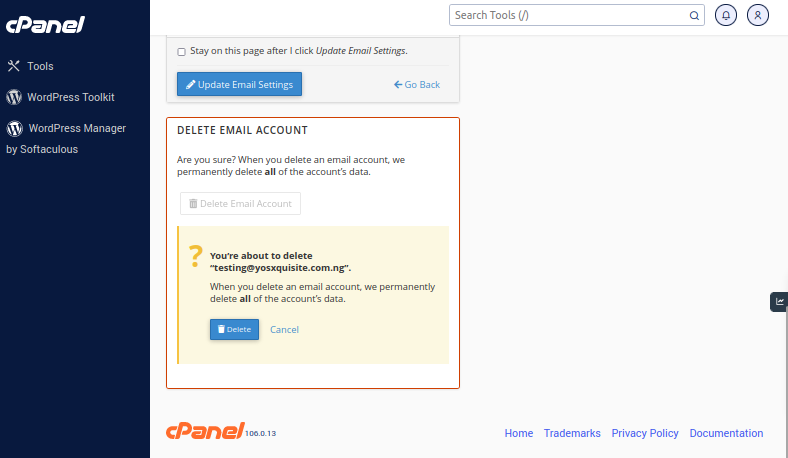
* Click the **Delete Email Account** icon to have the email account deleted
* You will get a prompt asking if you wish to delete
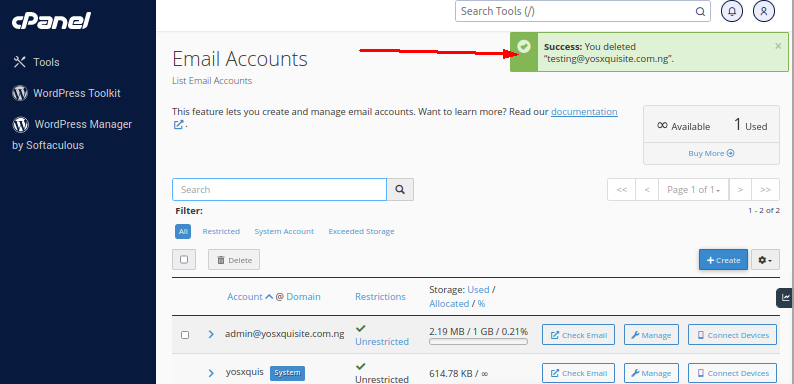
* You will get a successful message notifying you that the email account has been deleted
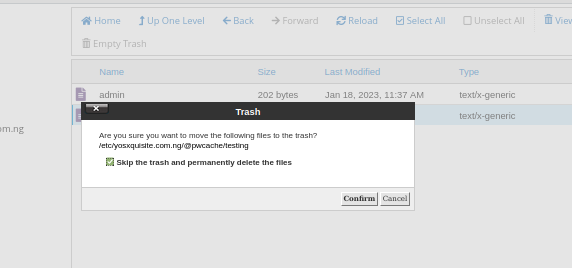
After deleting the email account, you need to go to the etc folder in your file manager to have the corresponding email folder deleted.
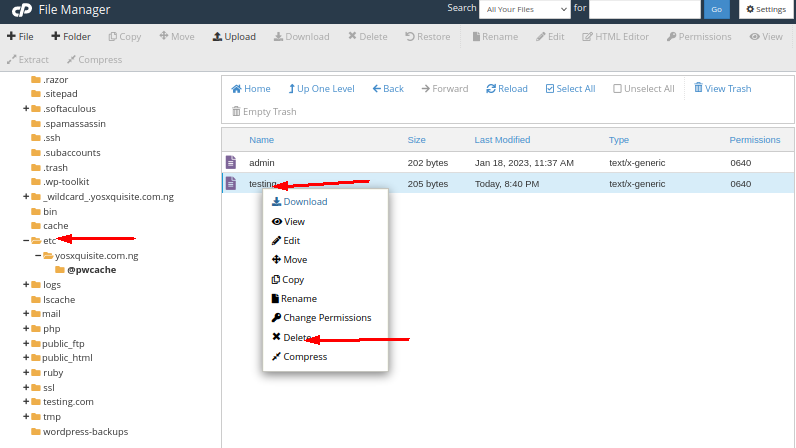
Tick the box, skip the trash and delete permanently