> ## Documentation Index
> Fetch the complete documentation index at: https://kb.verpex.com/llms.txt
> Use this file to discover all available pages before exploring further.
# How To Setup Node.js App in cPanel
1. Log into cPanel
2. Choose **Setup Node.js App**under **Software**

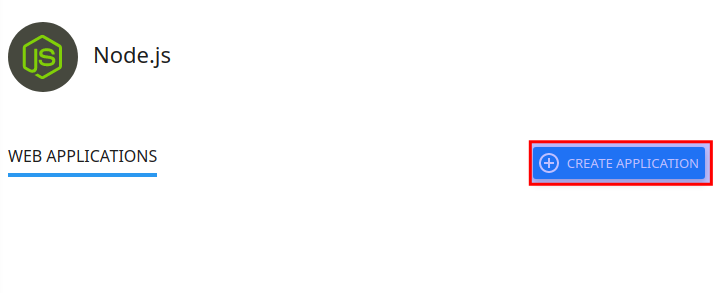
3. Click Create Application
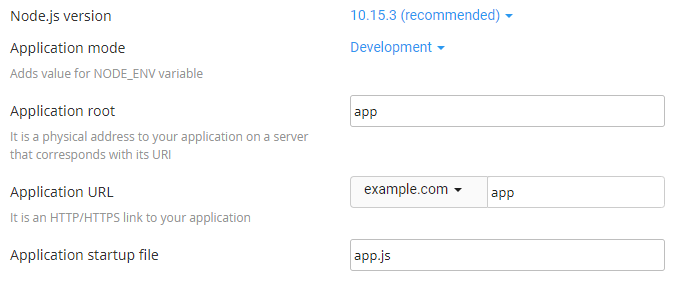
4. Fill in the Application root field (this is the directory in which you will upload for application files)
5. Select your Application URL and startup file (if you do not name a startup file, app.js is used as the default)
6. Fill in the remaining fields with your preferred values
7. Click **Create** when ready