> ## Documentation Index
> Fetch the complete documentation index at: https://kb.verpex.com/llms.txt
> Use this file to discover all available pages before exploring further.
# How To Add Credit To my Verpex Account
Account credit is a pre-paid balance which can be used towards invoice payments and [automatic renewals ](/billing/automatic-vs-manual-domain-renewals)(if enabled). Clients can hold credit in multiple currencies if desired. These preferences can be set at a brand level and overridden on a per-client basis.Follow the steps below to add credit to your account.
* Log in to your client account
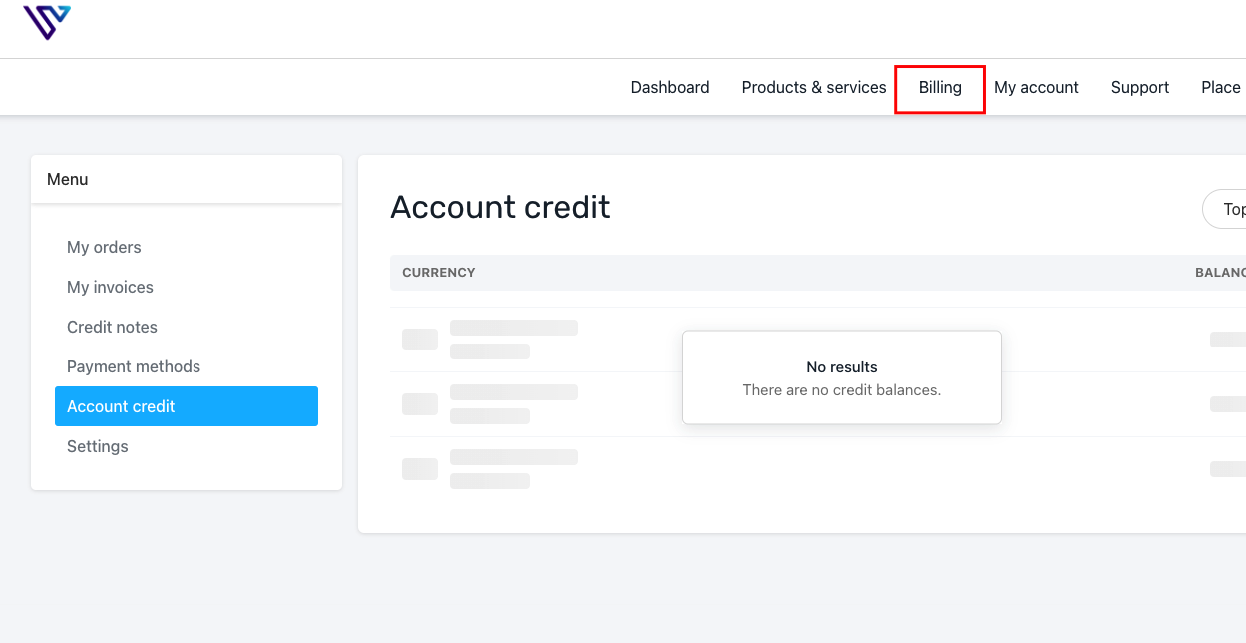
* Once logged in,go to **Billing -> Account Credit**
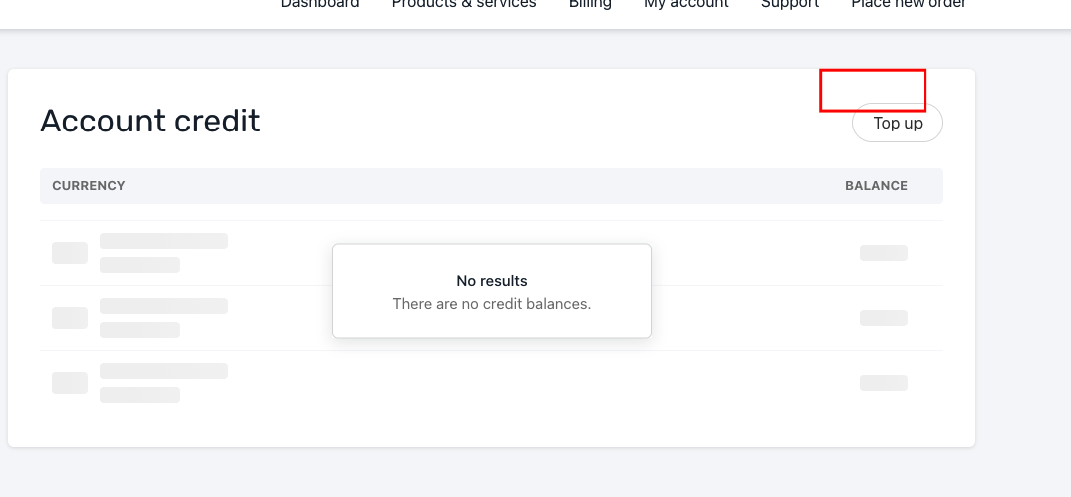
* On the Account Credit page, click **Top Up** in the top right corner
* Choose the payment method, currency, and amount you will like to add as credit
* Be careful when choosing the currency
* Submit Payment
After adding the credit you can proceed to pay for your invoice/s using the funds in your account